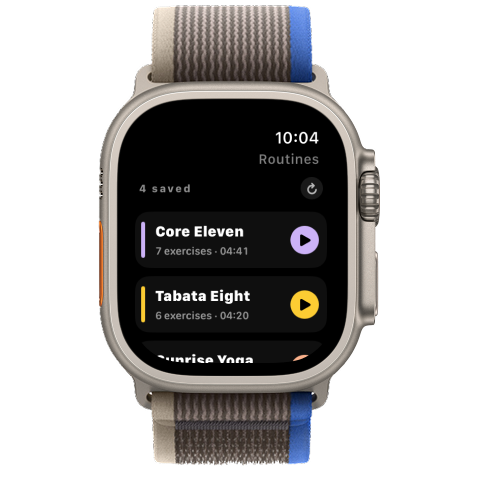
Interval Timer is a card-based workout timer for iPhone, iPad, Apple Watch and Apple TV.


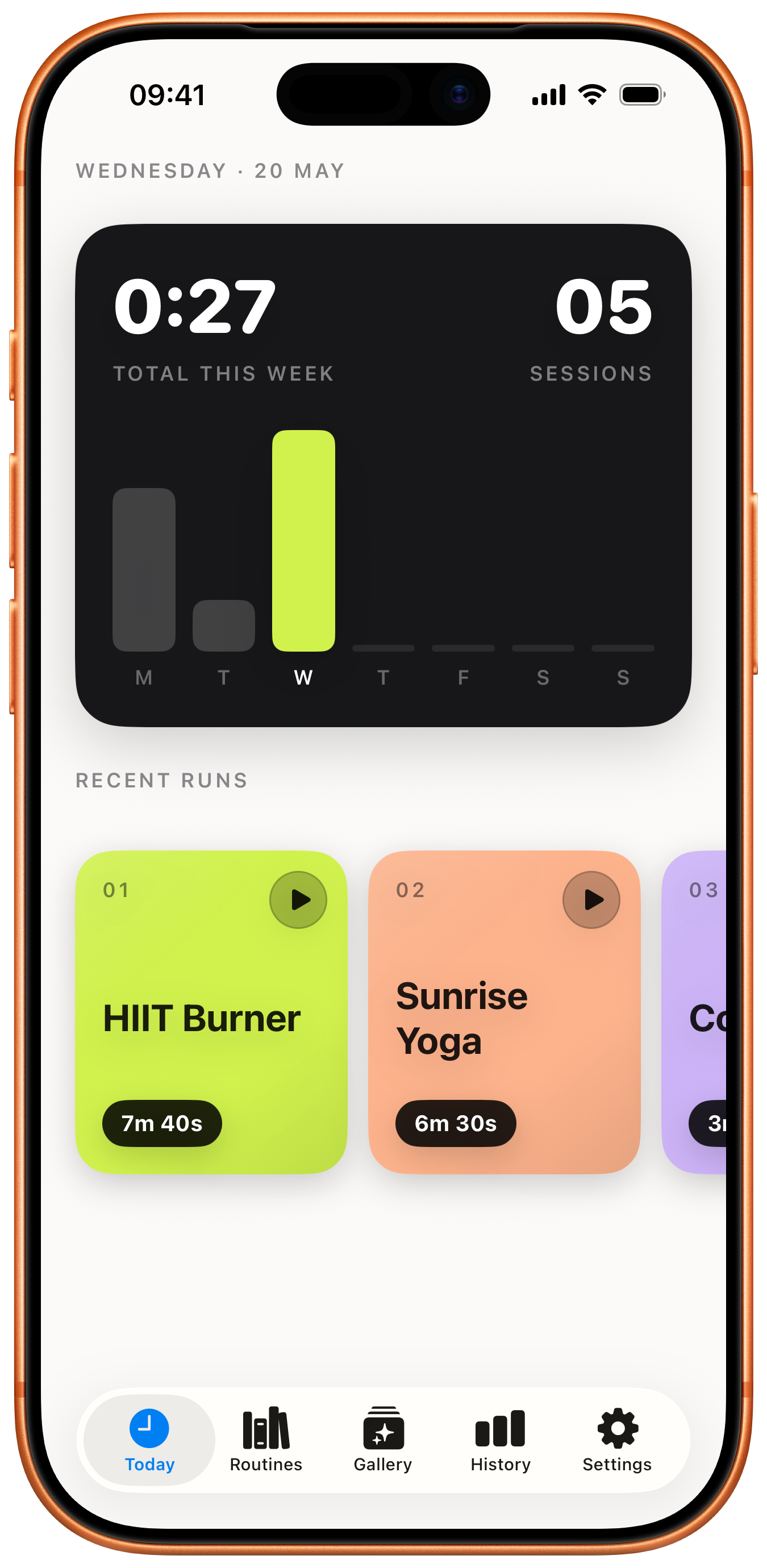
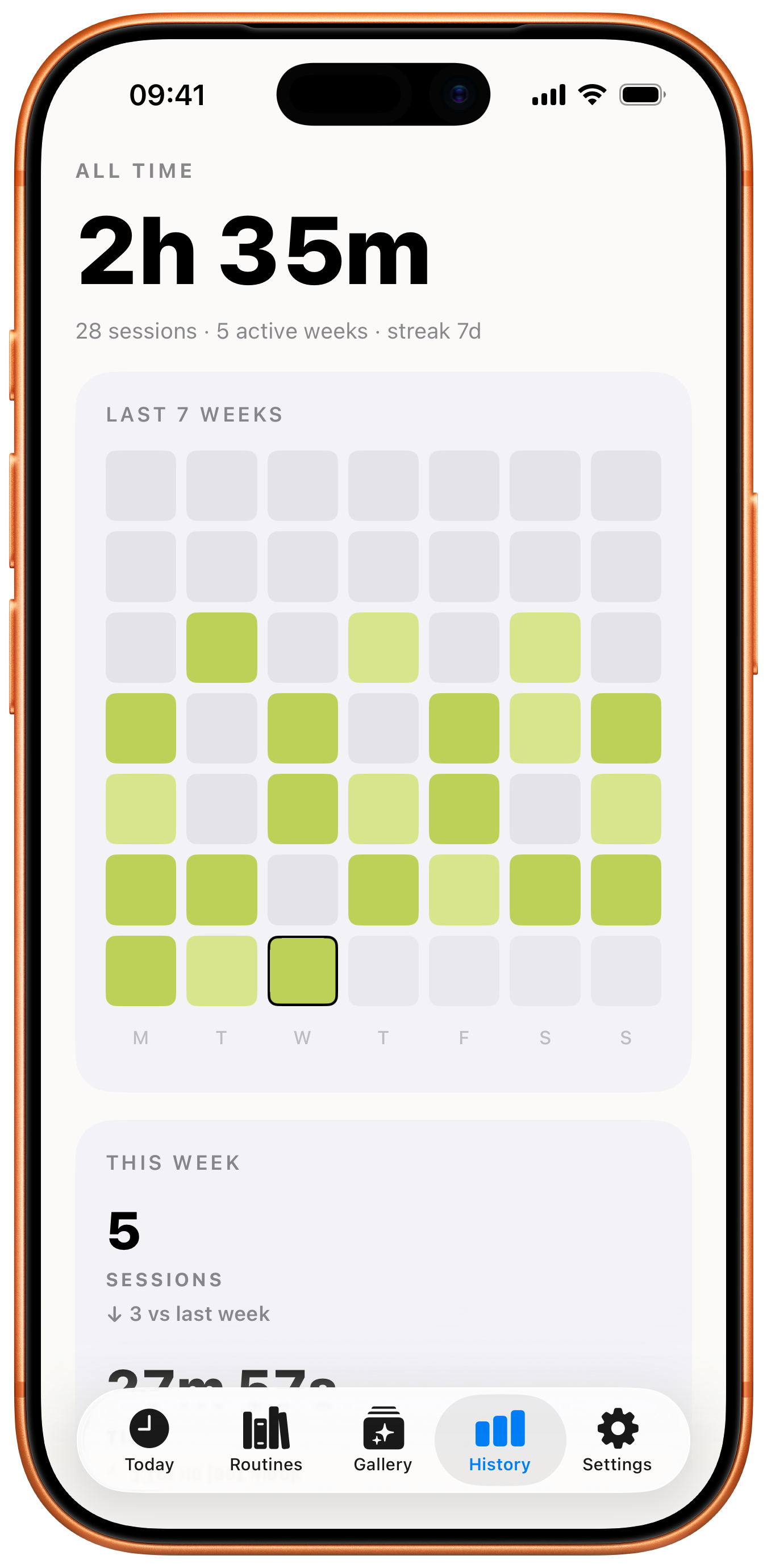
Weekly total, daily activity bars, recent runs. Open the app and start the next one.
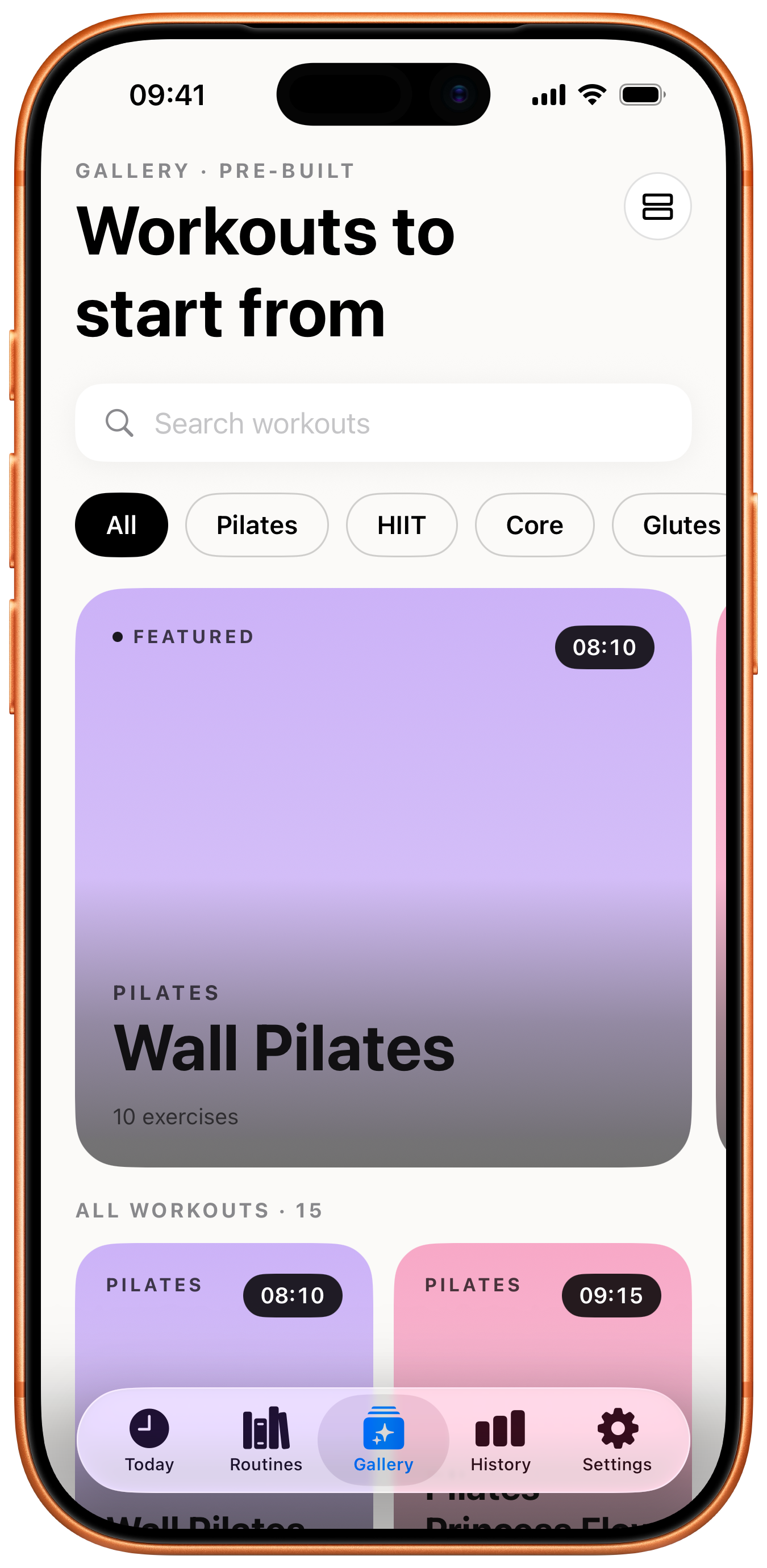
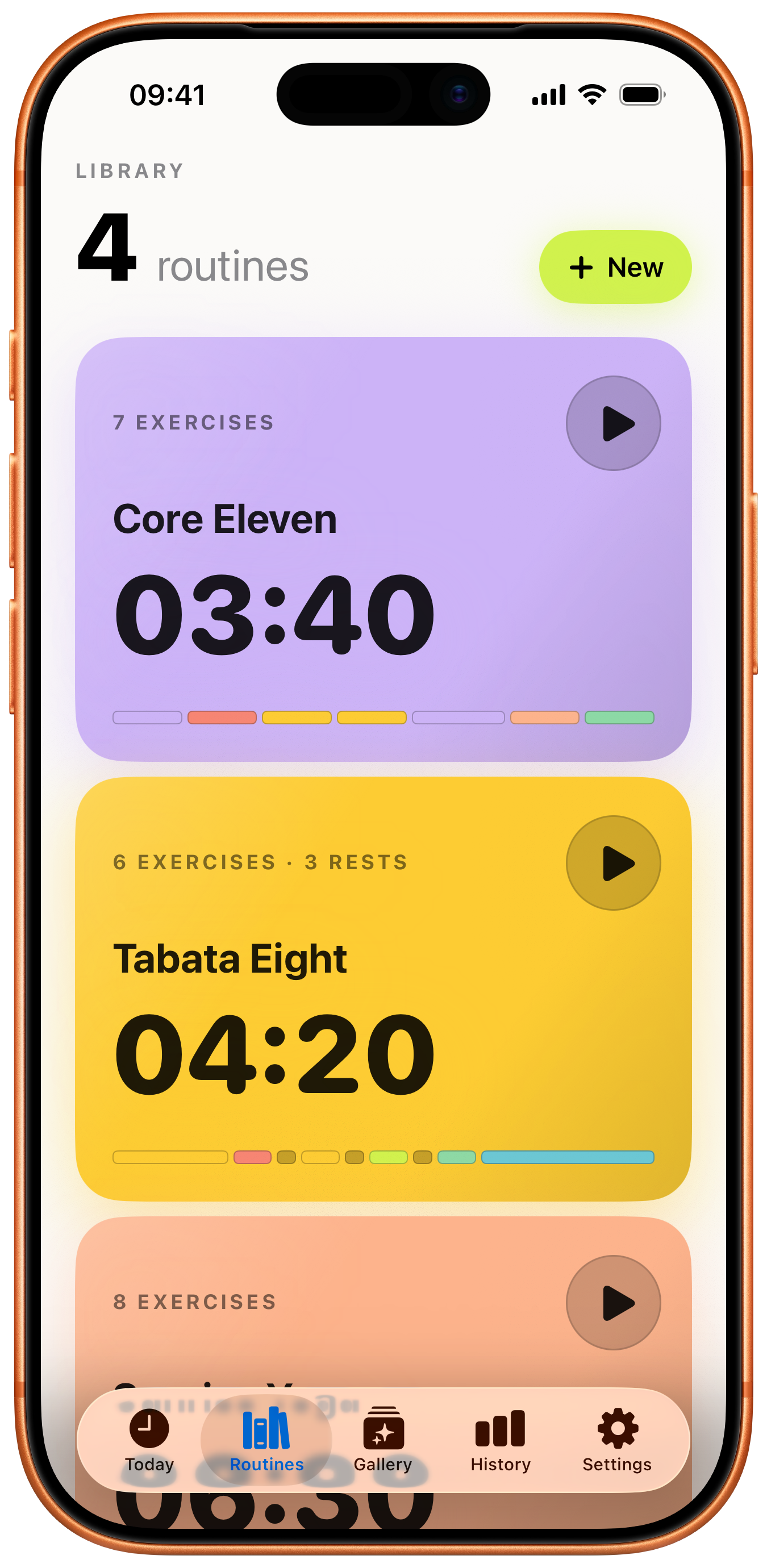
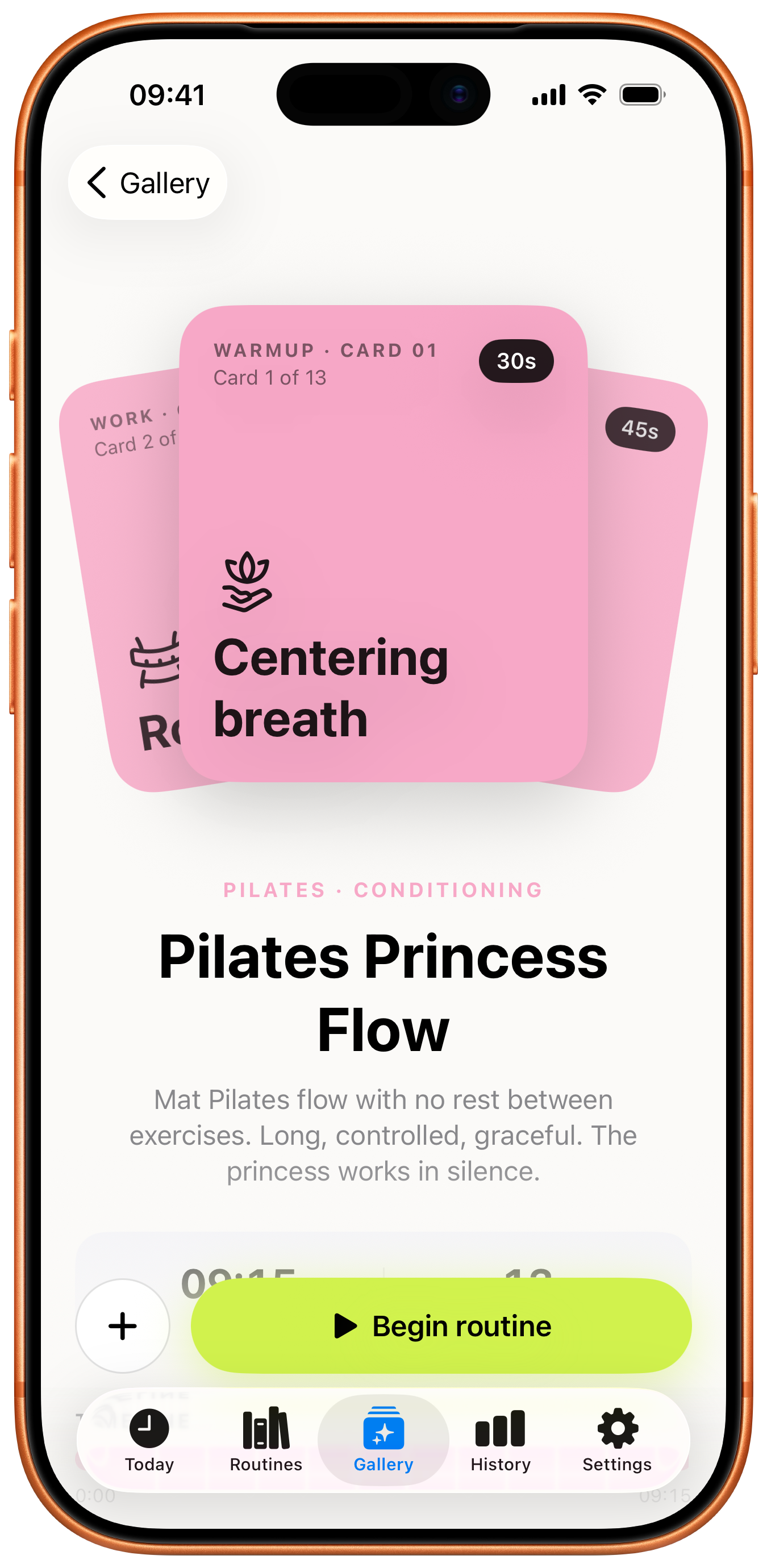
Pilates, HIIT, core, mobility — start from a preset, or fork it into your own library and tune every card.
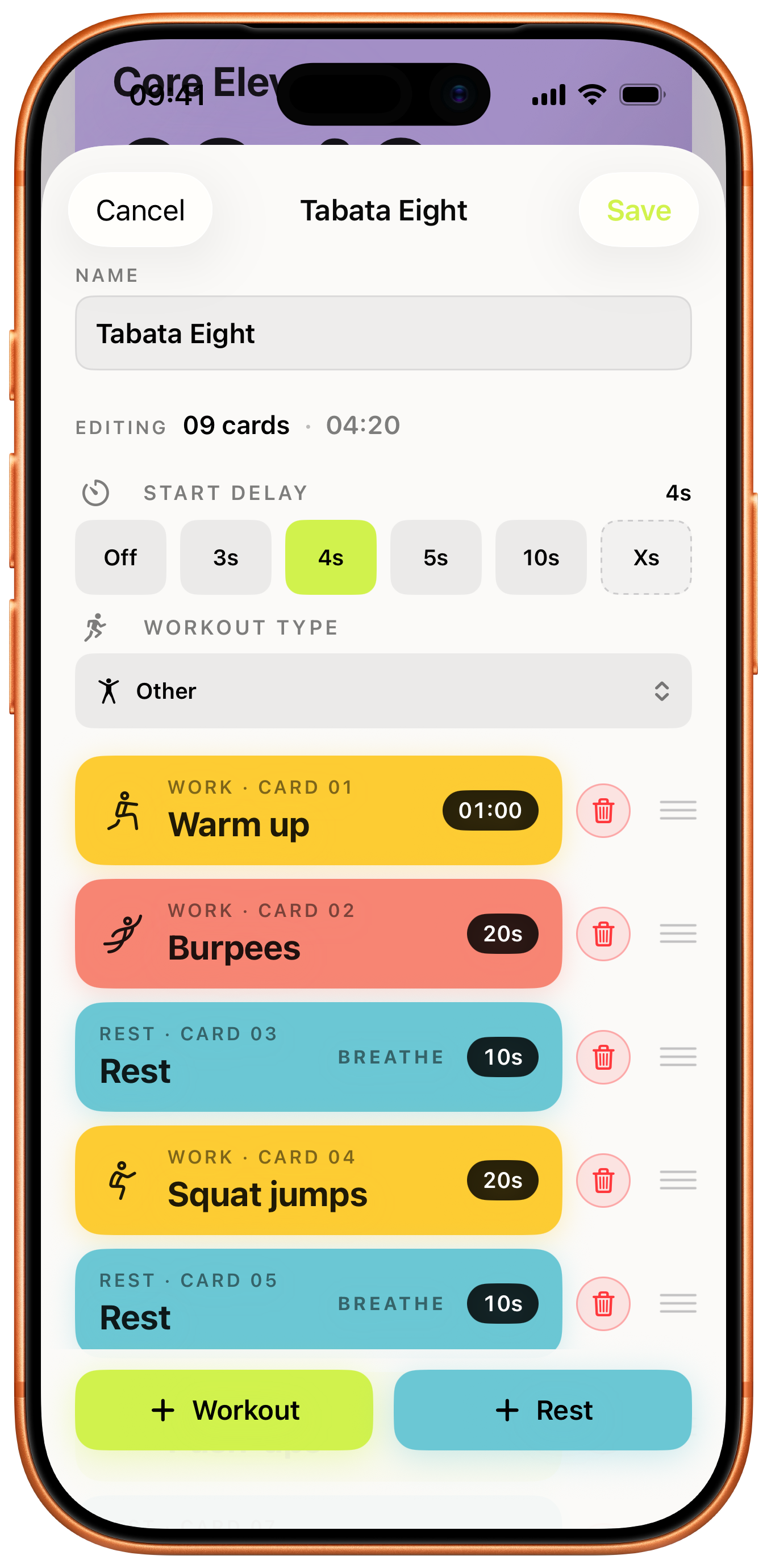
Work and rest cards. Drag to reorder, tap to retime, set a start delay so you have a beat before the bell.
A heat grid of the last seven weeks plus your current streak and all-time total. No logging required.
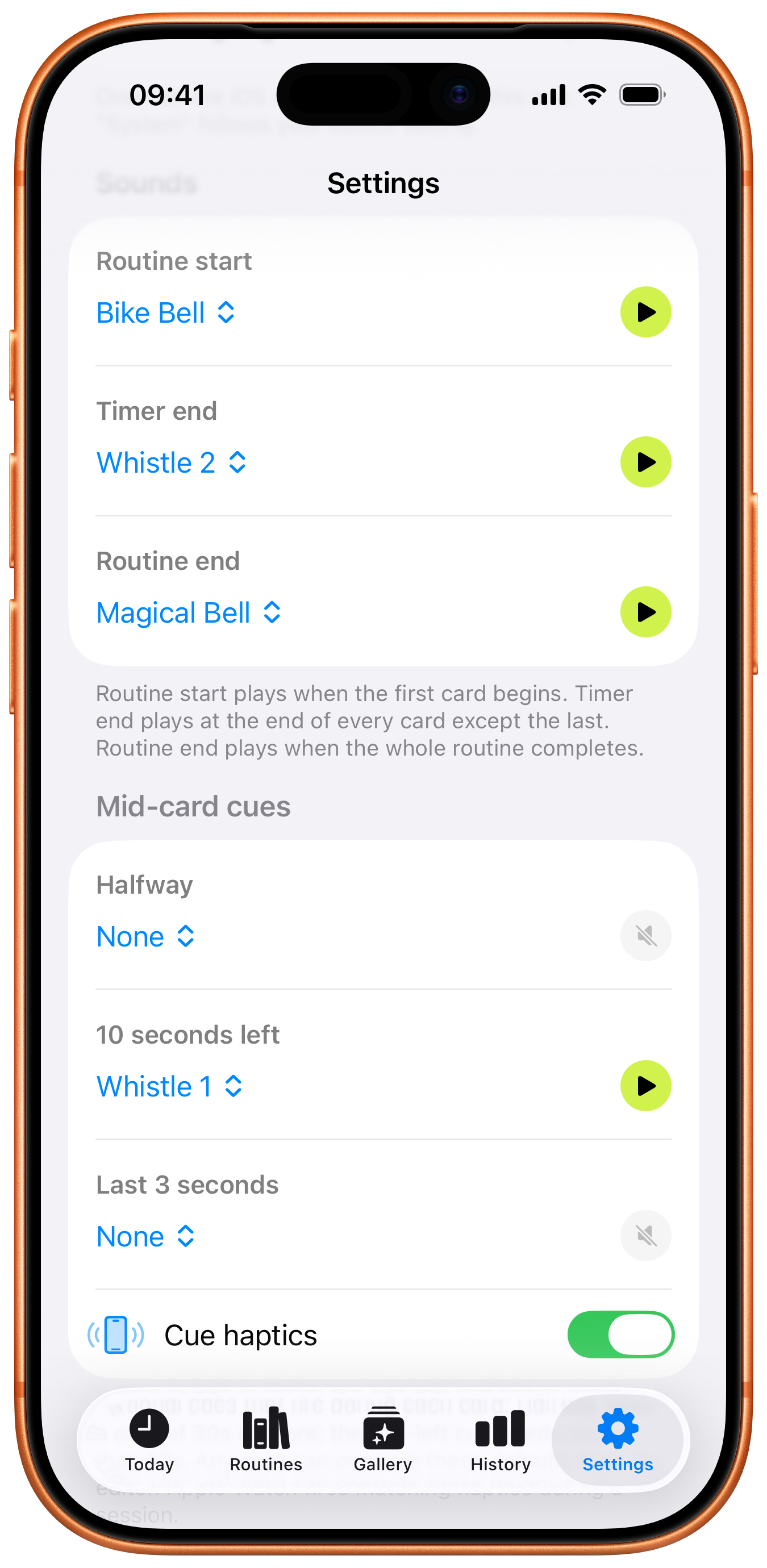
Native app with haptic cues at the halfway mark, the last ten seconds, and the final three-second countdown. Tap the screen to pause or resume; on-screen buttons skip and end.
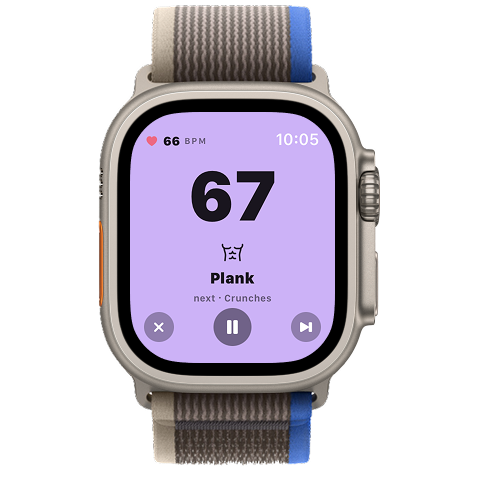
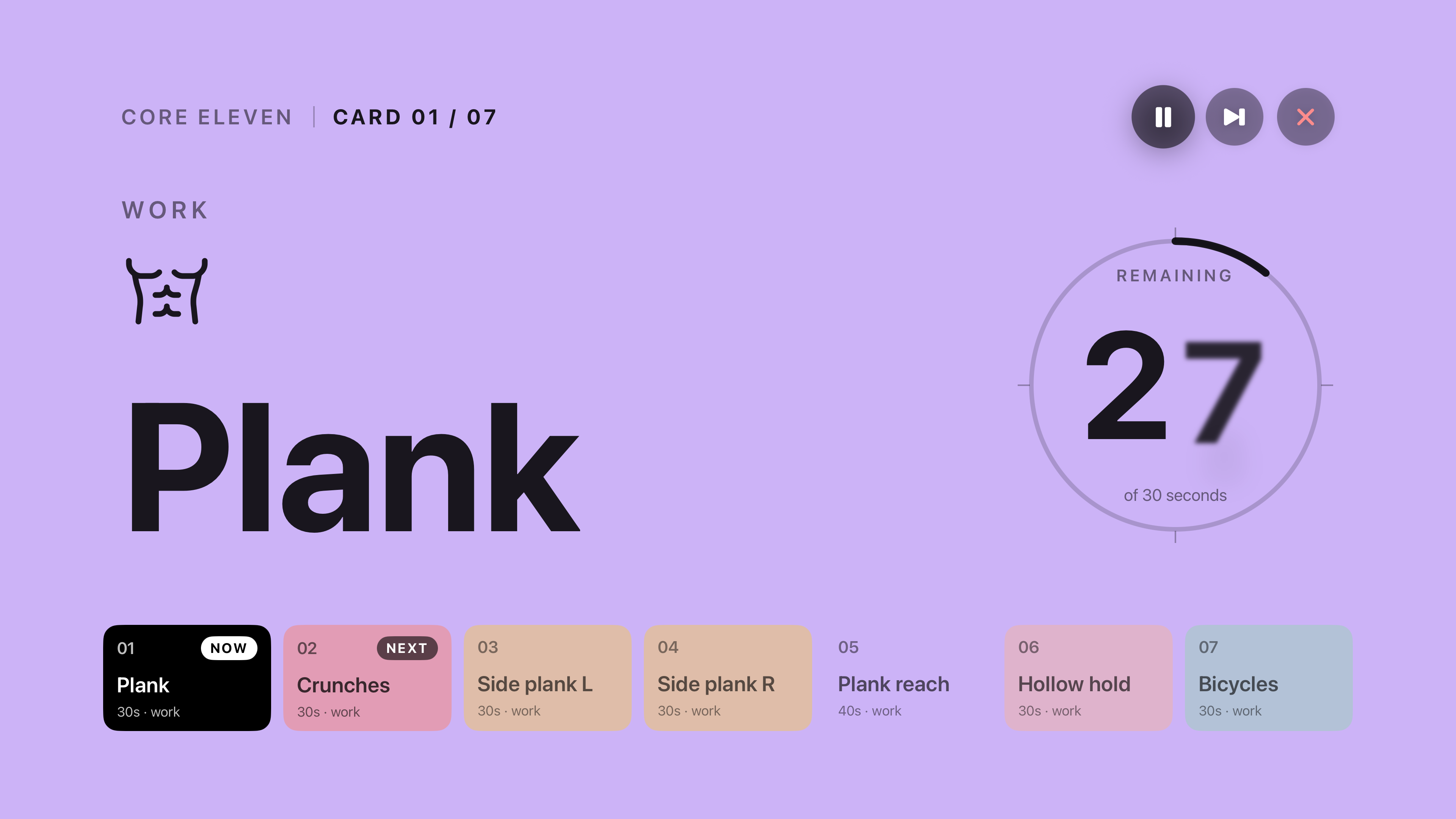
The active timer scales up to a heads-up display you can read from across the room — perfect for floor work.
Interval Timer is a one-time purchase that unlocks unlimited routines forever — no subscriptions, no ads, no upsells. You can try the app first: install it, build and run a routine on us, and decide if it's for you before paying anything.
Unlimited routines, for life, with a single one-time purchase through the App Store. Everything else — gallery, history, sync, Watch and TV apps, all the sounds and haptics — is available to everyone.
Yes. Routines, sounds, and history live on the device. iCloud sync runs in the background under your Apple ID; the only outbound call we initiate ourselves is when you tap "Share" to upload a routine to a short link, or open one someone sent you.
Yes — over iCloud. Routines and run history sync privately under your Apple ID across iPhone, iPad, Apple Watch and Apple TV. If iCloud is off in iOS Settings, the app still works locally on each device.
Yes. Leave the phone in the locker and start a workout from the Watch alone — it's a native watchOS app that ticks independently. When the phone is nearby, sessions mirror back so the iPhone can act as a heads-up display.
Yes. The app uses a Live Activity so the timer stays alive on the Lock Screen and in the Dynamic Island, and it keeps ticking accurately while the screen is off or the app is backgrounded. Haptics and cue sounds still fire.
No. Sounds layer over Apple Music, Spotify, or any other player without ducking the volume — your music keeps playing at full level and the bells just play on top.
Optional. On Apple Watch you can grant HealthKit permission to read your live heart rate during a workout; the BPM mirrors to the iPhone heads-up display. The Watch saves a workout entry to HealthKit so the run shows up in the Fitness app — we don't write the raw heart-rate samples anywhere, and nothing leaves your devices.
Yes. Set defaults for routine start, card end, routine end, halfway, last-10-seconds, and the final-3-second countdown in Settings. The three mid-card cues (halfway, last 10s, last 3s) plus the cue-haptics toggle can be overridden per card.
It's a native tvOS app: pick a routine on the TV with the Apple TV remote and run it as a heads-up display you can read across the room — perfect for floor work. Your routines and run history sync over iCloud, so everything you've built on iPhone is already there.
Tap Share on any routine and you get a short gettimer.app/w/… link to send. When a friend opens it on a device with the app installed, the routine opens in a confirmation sheet — they preview it and tap Add to clone it into their library. No accounts required on either side.
English, German, Spanish, and Portuguese (Brazil + Portugal). More on the way.
Interval Timer runs on iPhone, iPad, Apple Watch, and Apple TV. It requires the latest major OS release on each platform so we can use Live Activities, the Dynamic Island, and the modern Watch and TV APIs without compromise.
On the App Store. No ads. No subscription.